Defense 3D Printing: Streamlining Maintenance with User-Friendly Tools
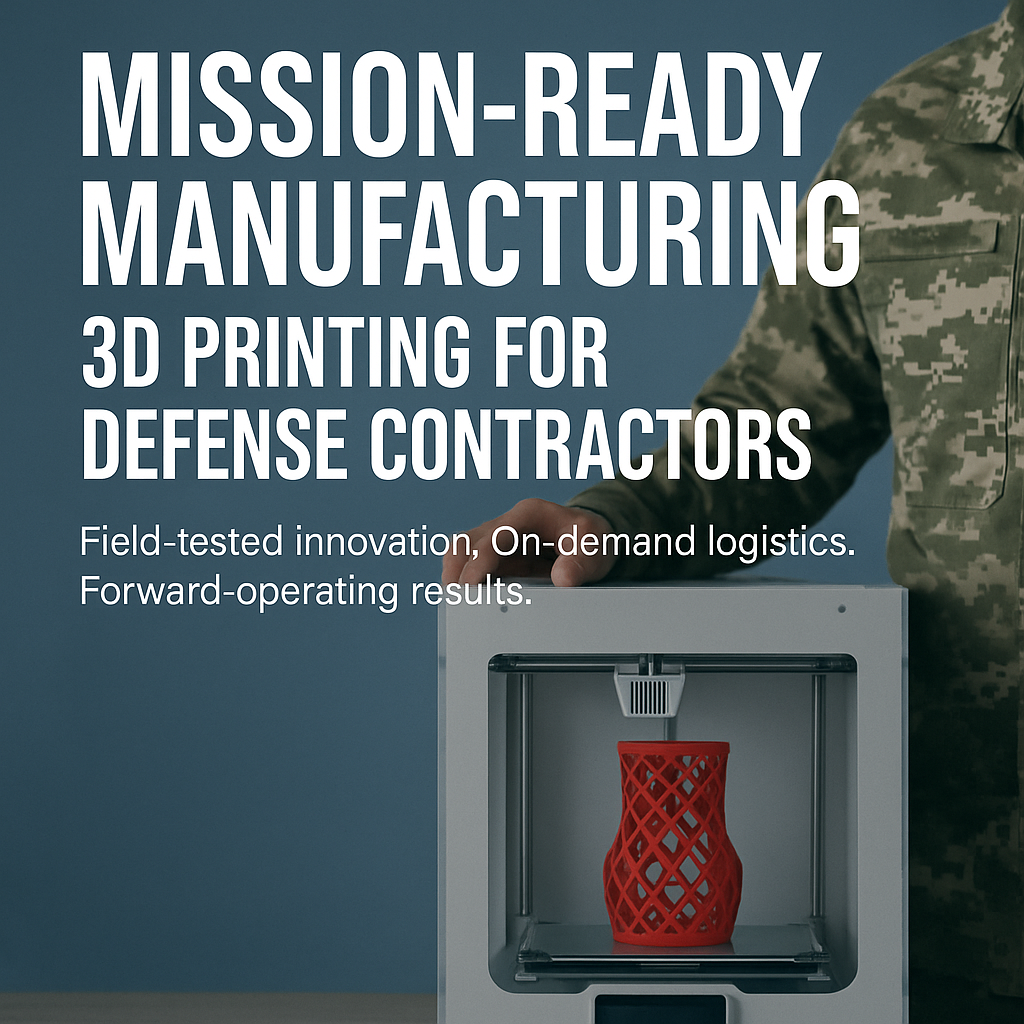
Defense 3D printing helps maintenance teams keep aircraft, vehicles, and mission-critical systems ready to deploy. Instead of waiting weeks or months for a custom tool or replacement part, units can now produce what they need in hours. They can do this on base or even in the field. This shift is especially powerful for maintenance officers and contractors who constantly fight long lead times, aging tooling, and tight budgets.
Traditional maintenance workflows rely on long supply chains, specialist suppliers, and complex procurement steps. When one machine shop controls a unique wrench, cap, or fixture—or when the tool does not exist at all—downtime stretches and costs rise. Modern defense 3D printing workflows flip that model. Simple, user-friendly printers and engineering-grade materials let teams design, print, and deploy purpose-built tools on demand.
Why Maintenance Becomes a Bottleneck
Across the U.S. military and allied forces, teams often use a two-level maintenance strategy. Field units handle line maintenance. Depots or specialist shops take on more complex work. The structure looks solid on paper. In practice, it breaks down when a unit needs a one-off tool or adapter that is not already on the shelf.
- Custom tools take time: Designing and machining a new tool can mean 6–12 weeks of lead time.
- Unit cost is high: A single specialty wrench or adapter can easily cost hundreds or even over a thousand dollars.
- Logistics slow everything down: Long supply chains, export rules, and shipping delays add more friction.
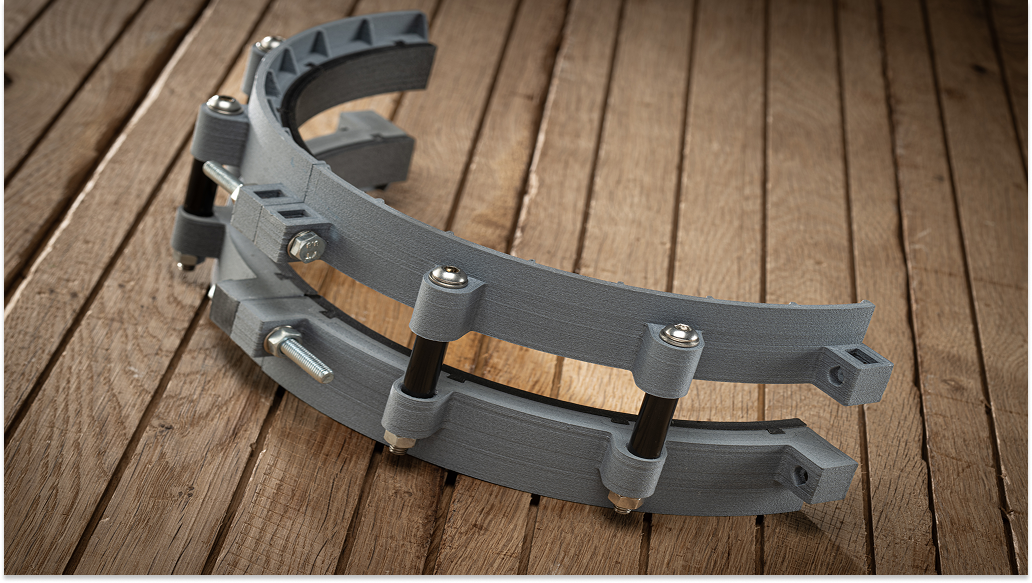
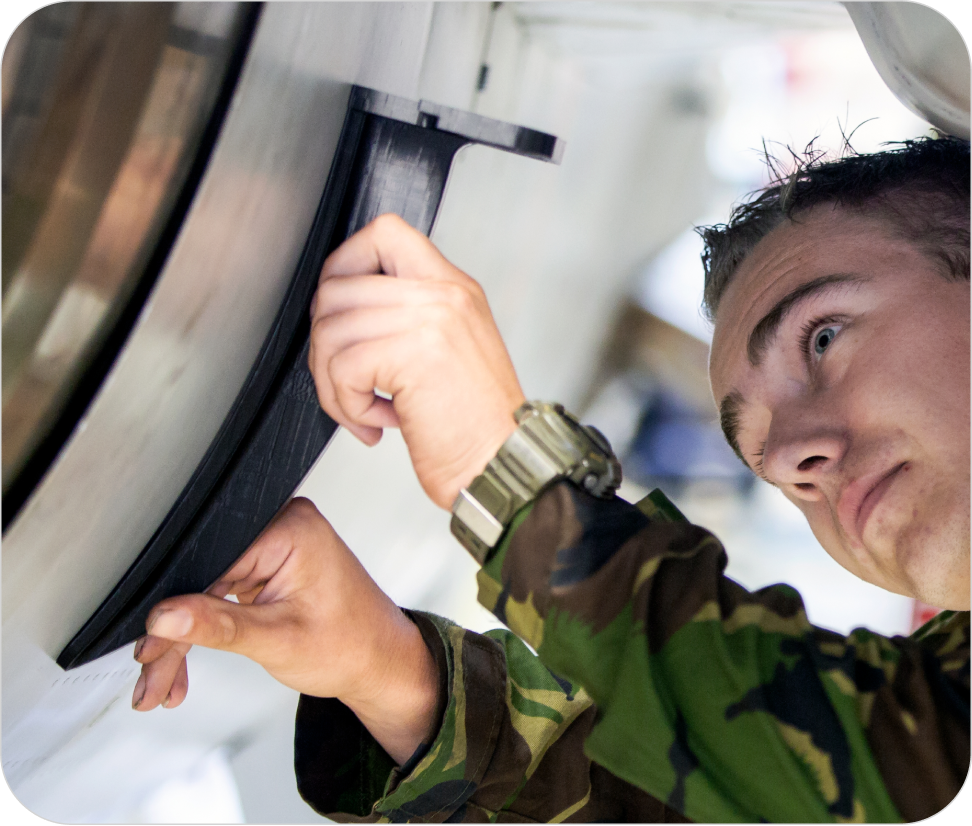
The Royal Netherlands Air Force (RNLAF) faced exactly these challenges across Chinook, Apache, NH90, and F-16 fleets. Their teams needed specialized adjustment tools, engine caps, and fixtures that either did not exist or cost far too much and took too long to arrive. Instead of accepting those delays, they brought industrial desktop 3D printers into their own maintenance workflow and started producing tools on site.
How Defense 3D Printing Changes the Playbook
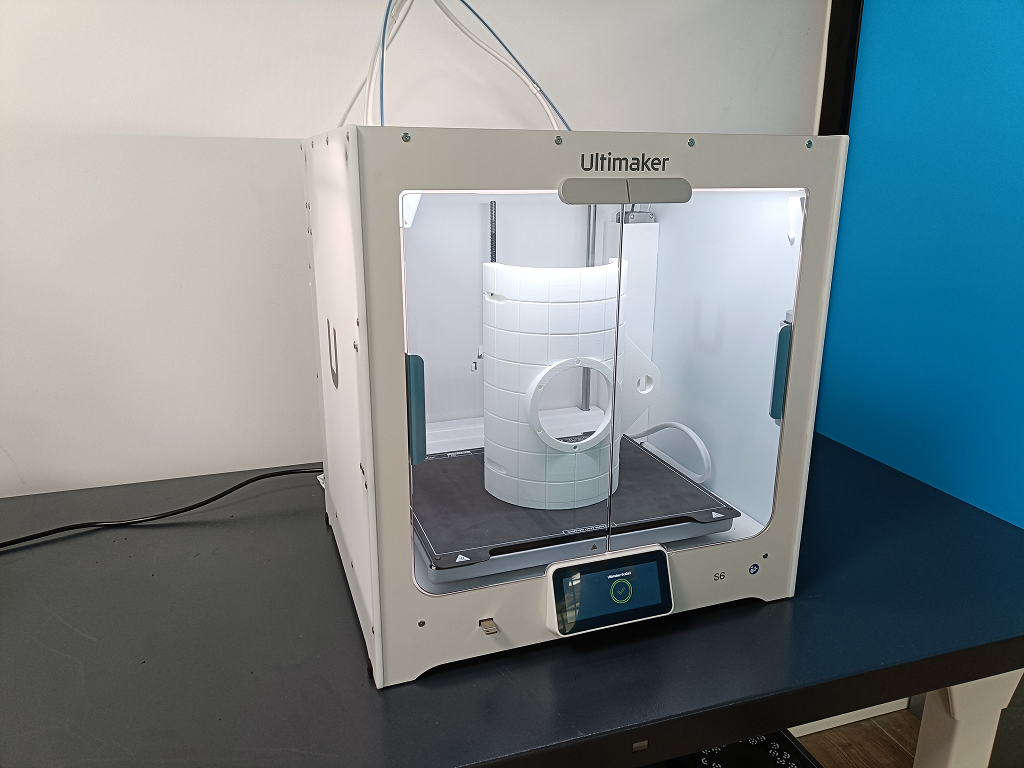
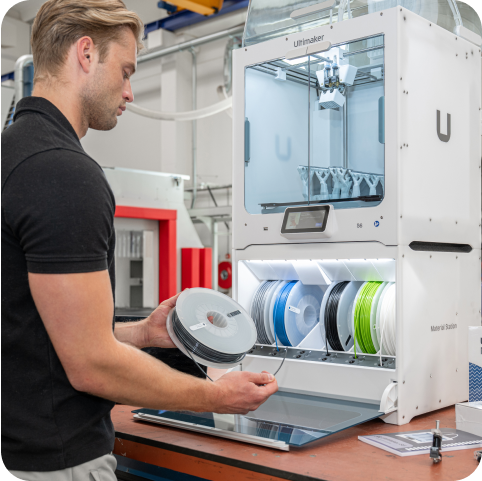
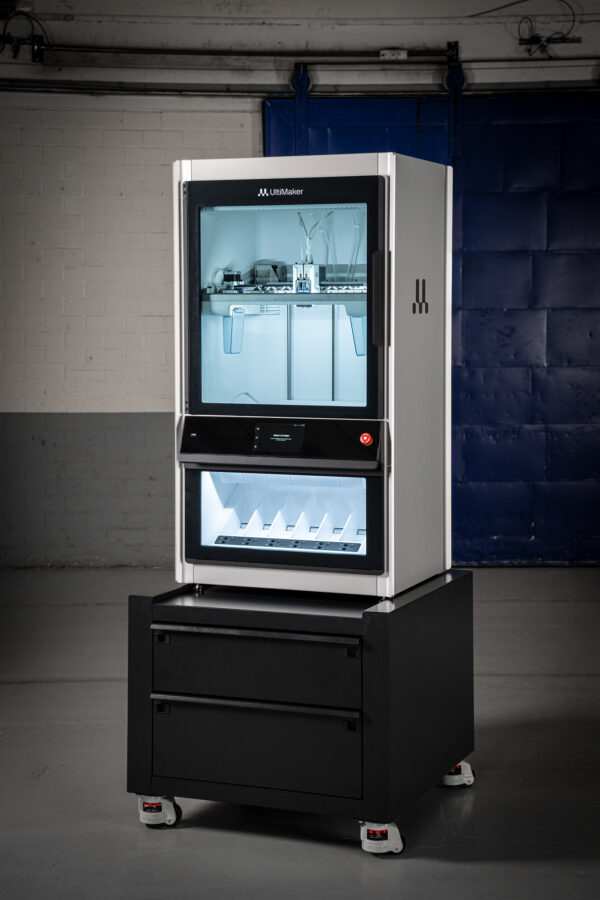
Modern systems like the UltiMaker Factor 4 and secure S-series printers suit defense environments very well. They stay compact and fully enclosed. Dual-material extrusion prints strong, accurate parts from carbon-fiber composites, nylons, and flexible polymers.
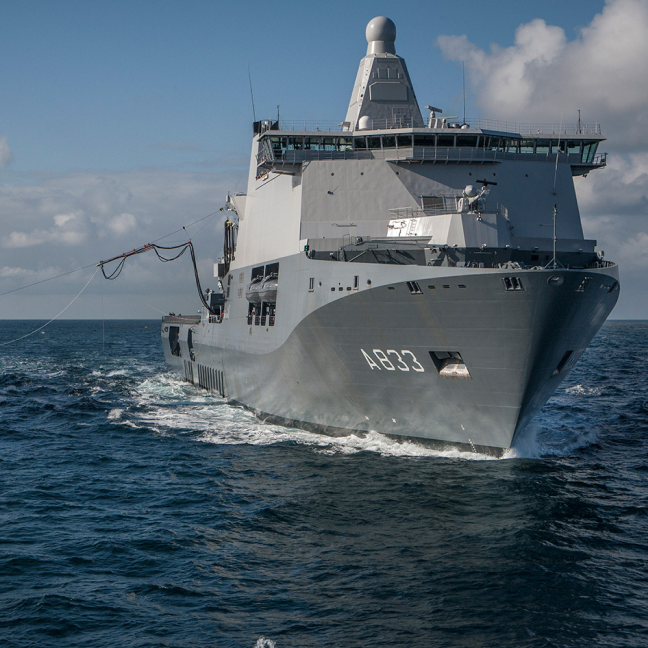
- Deployable footprint: Teams can place systems in maintenance shops, onboard ships, or inside mobile containers with minimal infrastructure.
- Short learning curve: Personnel can learn defense 3D printing workflows in hours, not weeks, and start solving their own maintenance problems.
- Secure operation: UltiMaker platforms support offline and intranet-only workflows. That support aligns with defense-grade security expectations and TAA/GSA requirements.
With these tools, defense organizations move critical maintenance capability closer to the point of need. They do it without adding a huge training or infrastructure burden.
Case Study: The Rotinor Turbine Wrench
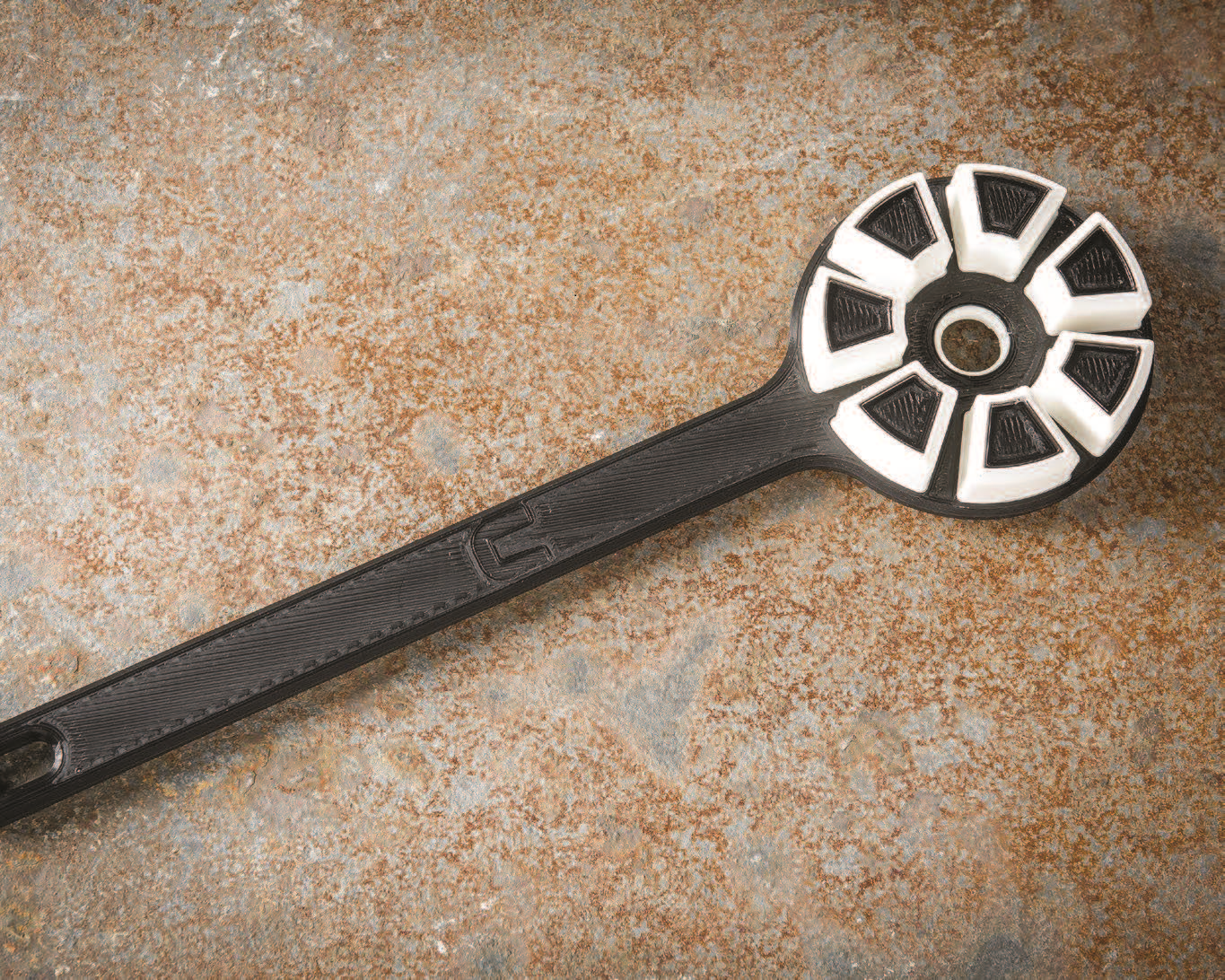
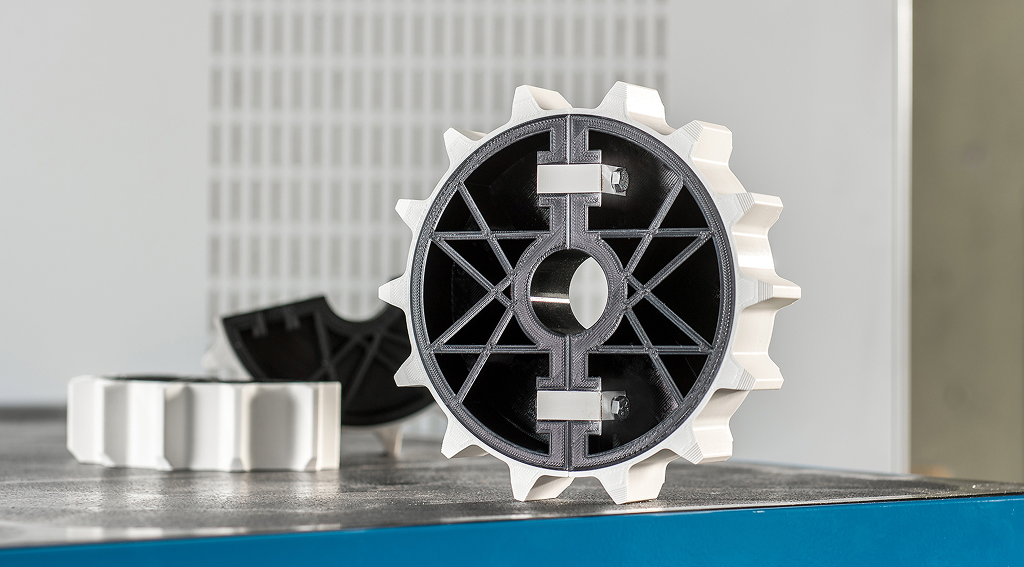
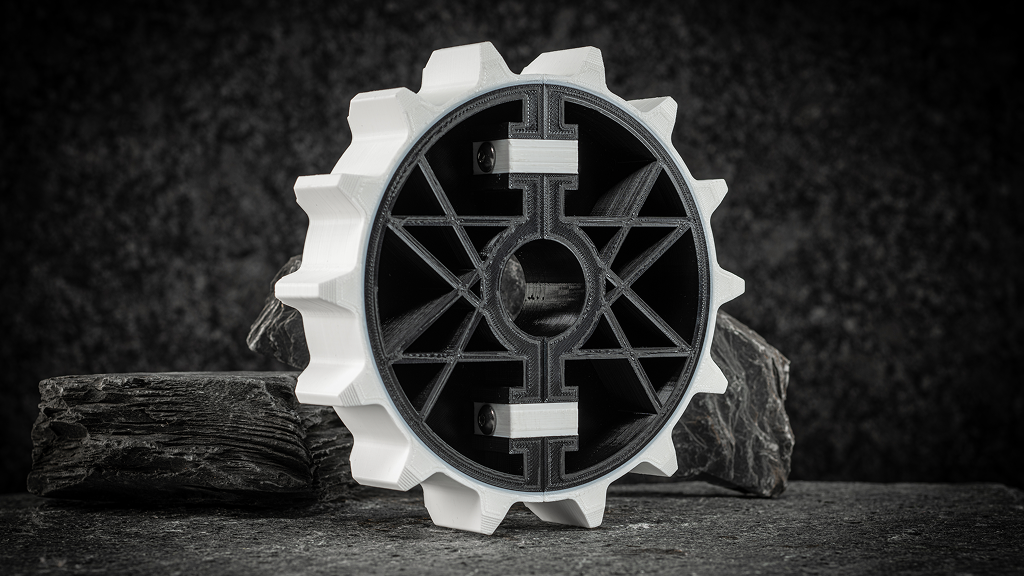
One widely cited example involves a custom wrench used for maintaining an underwater transport system. Traditionally, a machine shop manufactured this tool in steel. The team waited about 12 weeks for delivery and paid roughly $1,300 per wrench. By shifting to a 3D printed design that uses carbon-fiber-reinforced PA CF10 and a tribological filament, engineers cut both time and cost dramatically.
| Quick Stats (Example) |
Traditional Tooling |
With Defense 3D Printing |
| Lead time for custom wrench |
≈ 12 weeks |
≈ 13 hours |
| Unit cost (example) |
≈ $1,300 |
≈ $30 |
| Cost reduction |
— |
Up to ~98% savings |
The 3D printed design also improves the tool itself. Two contrasting materials create visible abrasion as the wrench wears. Technicians can see when to replace it and avoid damage to the system it serves.
Simple, User-Friendly Workflows for Non-Experts
One of the biggest advantages of defense 3D printing is how accessible it has become. Maintenance teams do not need to become full-time CAD specialists to see value. Instead, they can rely on proven workflows and repeatable steps.
- Start from templates: Teams can store common tools—caps, covers, gauges, brackets—in a secure digital catalog and reuse them across bases.
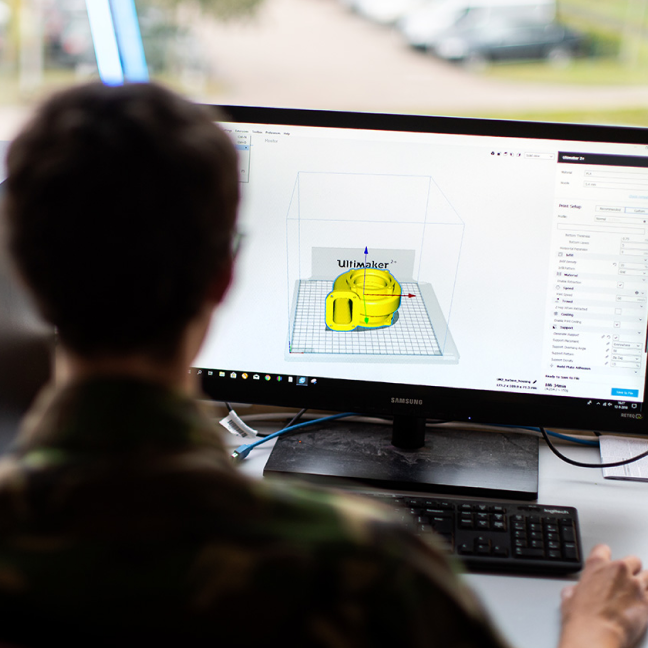
- Use guided software: UltiMaker Cura offers pre-tuned profiles that match materials and settings to the application. That guidance keeps prints consistent.
- Print, test, refine: If a tool needs a tweak, a new iteration can come off the printer the same day instead of after a full machining cycle.
- Train the whole team: Enclosed, automated printers make it easier to train more personnel to run jobs and monitor quality safely.
Together, digital catalogs, secure workflows, and user-friendly hardware turn defense 3D printing from a “cool experiment” into a reliable maintenance capability.
Choosing the Right Platform for Defense Maintenance
Each defense maintenance environment looks a little different. Some teams need rugged, deployable systems for field repair. Others need high-throughput printers on the factory floor. Paragon Visual works with government and defense buyers to match the right platform to the mission, including:
- UltiMaker Factor 4: An industrial-grade printer with a triple-insulated build chamber, automated material handling, and support for 200+ engineering materials. It fits process-critical tools, jigs, and fixtures.
View UltiMaker Factor 4.
- Secure S-series options: Defense-ready configurations, including TAA-compliant secure models, support offline and intranet-only workflows. They still offer dual-material printing and advanced composites. For larger build volume and industrial performance, see the
UltiMaker S8 industrial 3D printer.
- Education and contractors: UltiMaker S-series printers serve training pipelines, R&D labs, and contractors who support DoD programs. These systems balance capability, security, and ease of use.
If you are already exploring how 3D printing for defense contractors fits into your strategy, a maintenance-focused pilot around tools and fixtures often delivers the fastest ROI.
How to Start a Defense 3D Printing Pilot with Paragon Visual
- 1. Identify your “top ten” pain points: Focus on tools, caps, covers, brackets, and inspection aids that cause delays today.
- 2. Map parts to printers & materials: Match each item to a suitable UltiMaker platform and material. For example, use carbon-fiber nylon for load-bearing tools and TPU for protective covers.
- 3. Build a secure digital catalog: Store approved geometries and print profiles so any authorized location can reproduce parts consistently.
- 4. Train a small core team: Start with a handful of engineers or technicians who own the workflow and then train others.
- 5. Track readiness and savings: Measure reductions in lead time, rush-order spend, and downtime to build a clear, data-backed business case.
Bottom Line
For defense organizations, every day of downtime carries a cost: operational, financial, and strategic. When you bring defense 3D printing directly into maintenance workflows, you turn specialty tools and fixtures from a supply-chain liability into a local capability. The Royal Netherlands Air Force and other armed forces now print custom tools in hours instead of months and see cost reductions that approach 98% in some cases.
If you are ready to explore secure, TAA-compliant 3D printing that supports your maintenance and readiness goals, Paragon Visual can help. Our team supports platform selection, pilot programs, and long-term fleet support across the United States.
If you would like help evaluating platforms, materials, or a pilot workflow,
contact Paragon Visual. We support government and defense buyers across the United States.