HP DesignJet T870 Printer: Fast Multi-Size CAD Printing

HP DesignJet T870 Printer: Faster Multi Size Printing for CAD, Posters, and Busy Teams
If your organization prints plan sets, CAD drawings, posters, or everyday visuals, you already know the truth: printing should be the easiest part of the job. The HP DesignJet T870 printer platform (including the XT870 variant) is built for teams that need reliable, professional wide format output without constant babysitting, bottlenecks, or reprints.
This matters most for architects, engineers, schools, universities, and corporate print environments where multiple users send jobs all day and deadlines do not politely wait their turn. The right printer is not just about image quality. It is about workflow. It is about repeatability. It is about helping your team move from “print request” to “in hand” with less friction.
Wide format printing should be a tool, not a time sink.
What the HP DesignJet T870 Printer Is Designed to Solve
Most “printing problems” are not really print quality problems. They are workflow problems. The pain usually shows up as:
- People waiting in line to print and reprint
- Jobs coming out the wrong size, wrong scale, or cropped
- Constant switching between roll jobs and sheet jobs
- Output that looks fine on screen but does not hold up on paper
- A shared printer that becomes a daily point of frustration
The HP DesignJet T870 printer family is built to reduce those issues in real production environments, especially when your team prints a mix of technical documents and graphic content.
Multi Size Printing Without the Daily Hassle
Multi size output is where many offices get stuck. A typical day might include full size plans, half size sets for review, and smaller sheets for markups or handouts. When a printer setup forces constant media changes, the workflow slows down and errors creep in.
The T870 and XT870 approach is to support practical office printing where teams can produce different sizes confidently, with fewer interruptions. That keeps projects moving, reduces reprints, and helps the print area stay predictable even with multiple users.
If you want the specifics on the model you are offering, your product page is here:
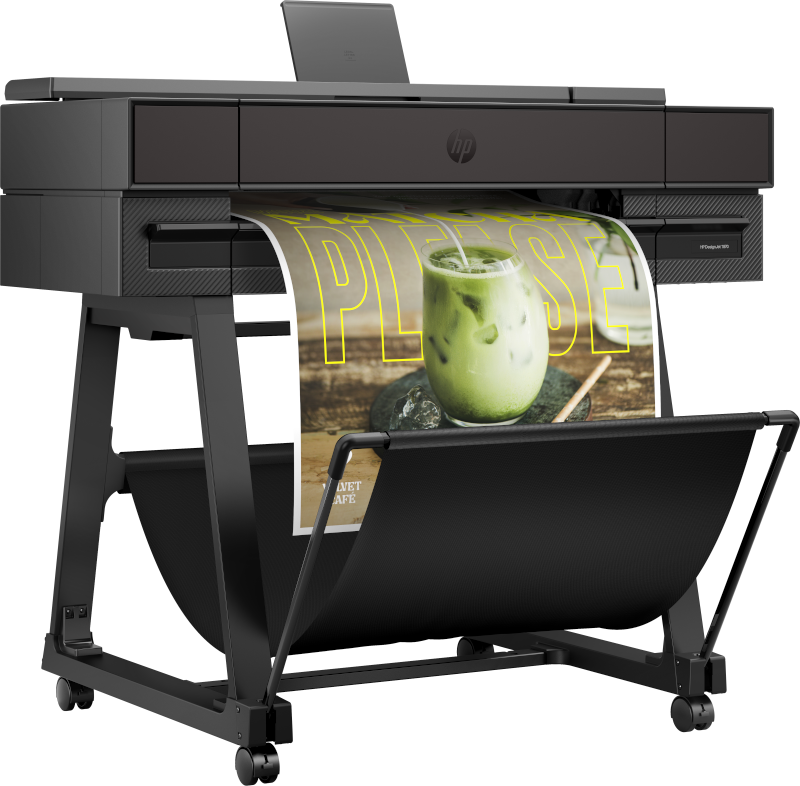
HP DesignJet XT870 printer.
Print Quality That Holds Up for Technical Work and Posters
A wide format printer has to do two jobs well: produce clean technical linework and deliver strong, professional visuals. For technical documents, the goal is simple: crisp lines, readable small text, and consistent output from sheet to sheet. For posters and signage, you want clean color, solid fills, and output that looks finished when it hits the wall.
This is why the T870 platform fits environments like:
- Architecture and engineering: plan sets, site plans, details, revisions
- Schools and universities: classroom posters, student project boards, campus visuals
- Corporate and project offices: schedules, presentations, internal signage
- Retail and events: promotional posters, directional signage, seasonal visuals
Workflow Tools That Reduce Reprints and Save Time
Speed is great, but speed without control just makes mistakes happen faster. The real productivity win comes from workflow tools that help users submit jobs correctly the first time. Preview before printing, consistent settings, and fewer “mystery results” are what reduce waste and keep teams confident.
For busy offices, the best wide format workflow is the one that feels simple enough for everyone to use, not just the one person who “knows the printer.”
Collaboration and Security for Shared Environments
In the real world, wide format printers are shared. That means the printer must support collaborative use across departments, classrooms, and teams. It also means security matters, especially in engineering, government adjacent work, and corporate environments where plans and internal documents should not be treated casually.
If your organization has security requirements or internal policies, we can help you match the right configuration and best practices to keep printing productive without creating unnecessary risk.
Real World Examples: Education and Retail Prints
Nothing sells the story like seeing what the output looks like in the environments people actually work in. Here are a few examples that match how schools and retail spaces use wide format prints every day.
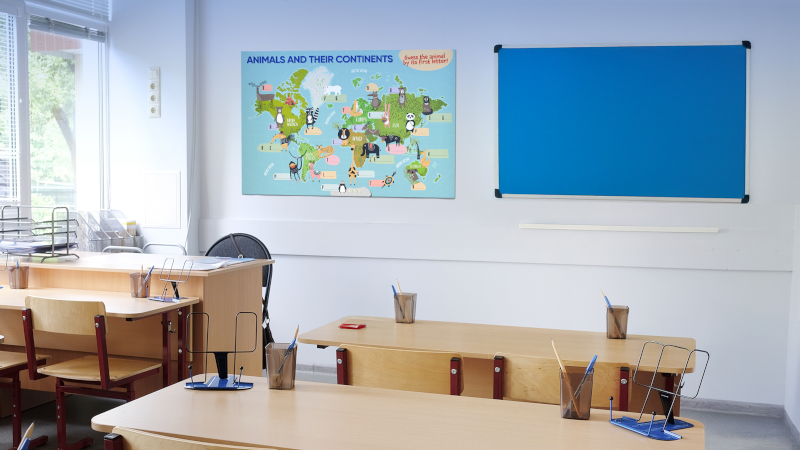
Education example: classroom learning visuals and wall posters.
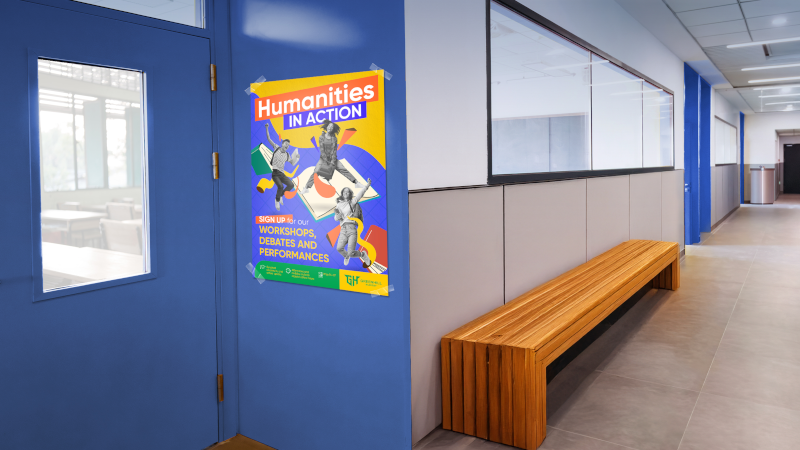
Education example: event posters and hallway signage.
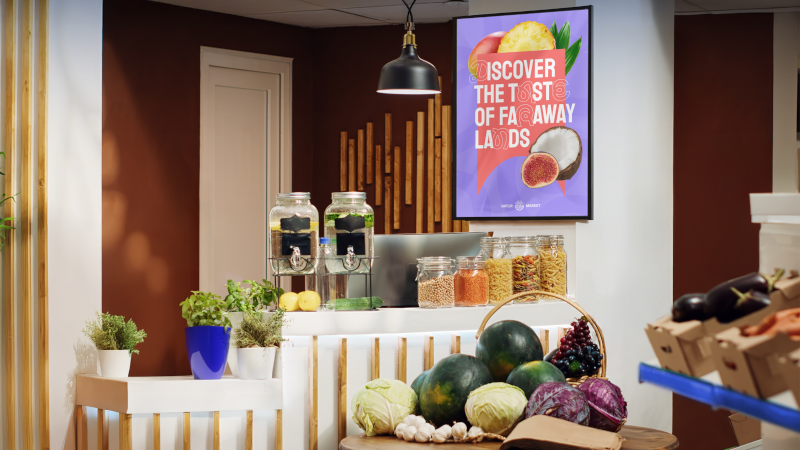
Retail example: promotional posters and point of sale graphics.

Retail example: cafe promos, seasonal campaigns, and wall graphics.
Watch the Video: HP DesignJet T870 Printer in Action
If you want to see the printer in action and get a feel for how it fits into a real workflow, here is the video:
How Paragon Can Help
A wide format printer is only as useful as the support behind it. Paragon helps organizations choose the right solution, set it up correctly, and keep it running the way it should. If you are replacing an older machine, expanding capacity, or standardizing printing across a department, we can guide the process and keep it simple.
- Confirm the best fit based on what you print and how often you print it
- Help with setup, onboarding, and workflow best practices
- Support supplies planning, including inks and media
- Service support when your team cannot afford downtime
Helpful next steps:
Recycling and Responsible Supplies
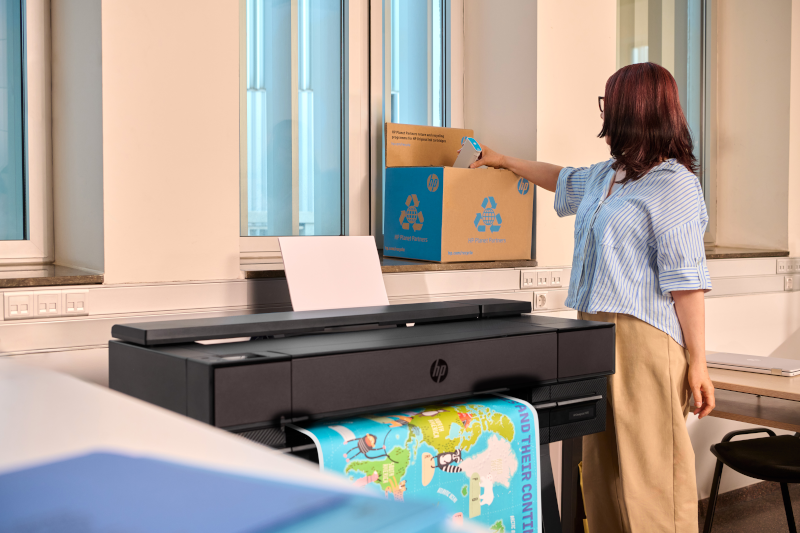
If your organization prefers a clear recycling path for used supplies, HP provides recycling options through HP Planet Partners. Details here:
HP ink and toner recycling
Conclusion: A Practical Upgrade for Teams That Print Every Day
The HP DesignJet T870 printer platform is a strong match for teams that need fast, dependable wide format printing across multiple use cases. From CAD drawings and technical documents to posters, classroom visuals, and retail graphics, it is built to reduce workflow friction and help teams stay on schedule.
If you want a quick sanity check before buying, send us a few details about your workflow: what you print, your typical sizes, and how many people use the printer. We will help confirm the best fit and the right configuration.