UltiMaker PET CF Filament: Easy Carbon Fiber Printing for Strong Parts


UltiMaker PET CF Filament: Carbon Fiber Strength Without the Drama
If you’re exploring additive manufacturing for functional prototypes, jigs, fixtures, and real-world production aids, material choice matters just as much as the printer. UltiMaker PET CF filament is a carbon fiber composite designed for teams that want high stiffness, reliable print quality, and a smoother day-to-day experience than many other carbon fiber materials.
I’m not an engineer by trade, but I work with customers who are. This post is written for practical decision-making: what PET CF is, how it compares to other composites like PA CF, what you gain (and give up), and how to get consistent results on UltiMaker S Series and Factor 4 systems.
Shop UltiMaker PET CF here:
UltiMaker PET CF (S Series and Factor 4)
Browse printers and supplies:
3D printers and supplies
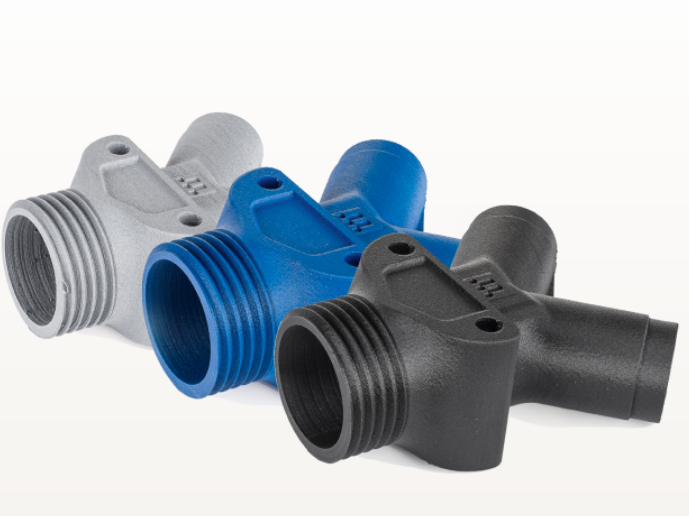
What Is UltiMaker PET CF Filament?
UltiMaker PET CF is a carbon fiber-reinforced version of PET (polyethylene terephthalate). In plain terms: it aims to deliver composite-level stiffness and stability, while keeping printing behavior closer to the “it just works” feel many people associate with materials like PETG.
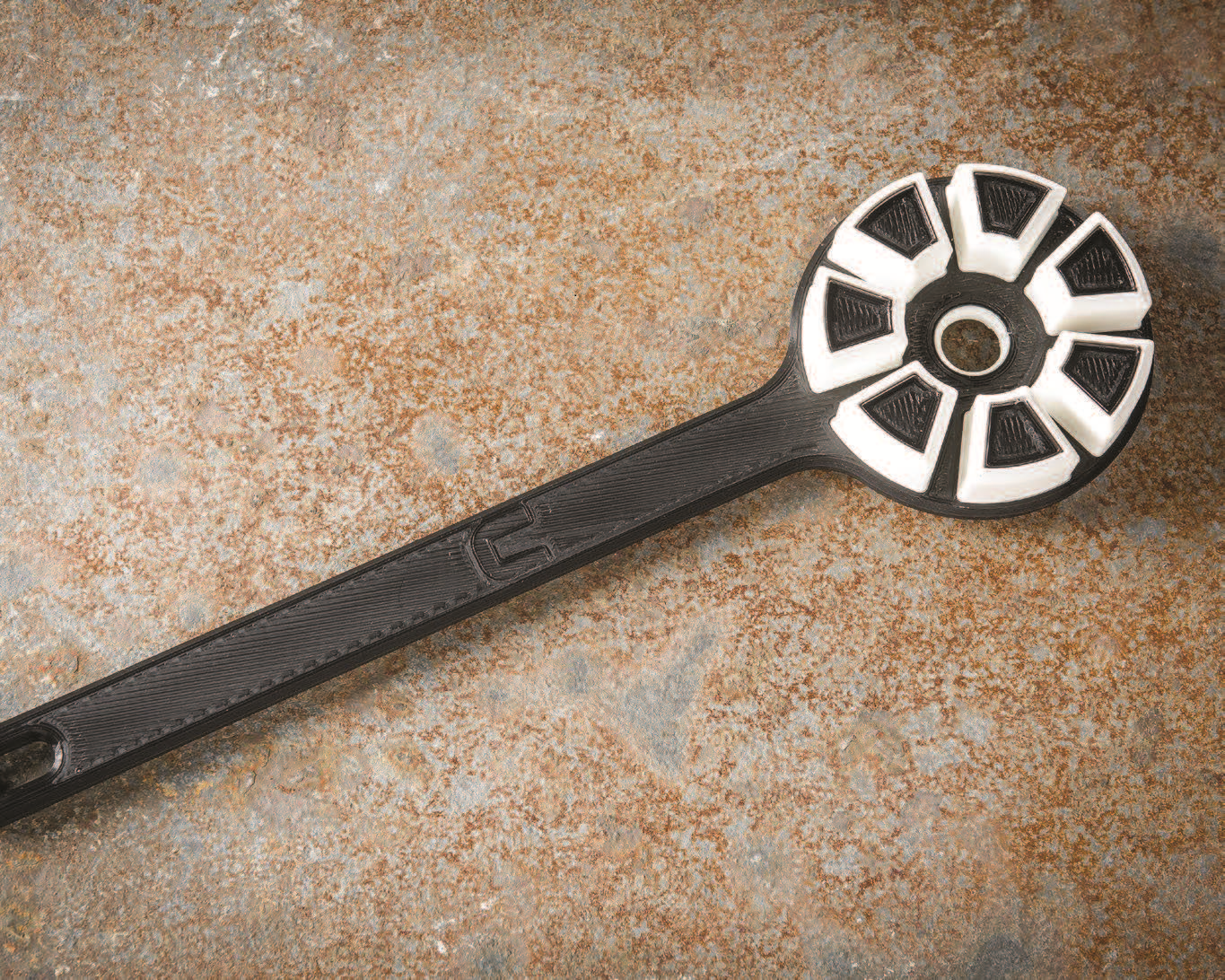
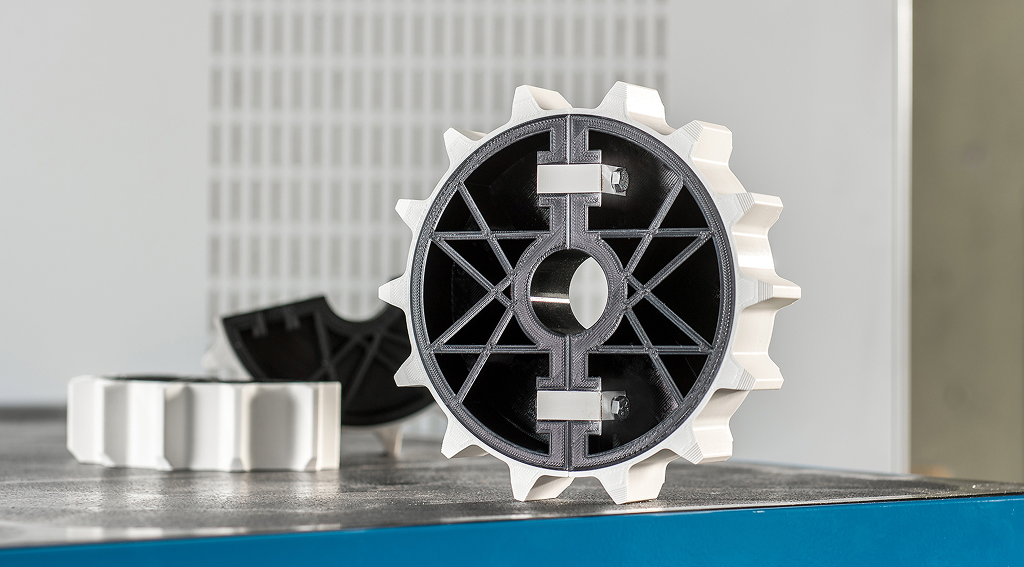
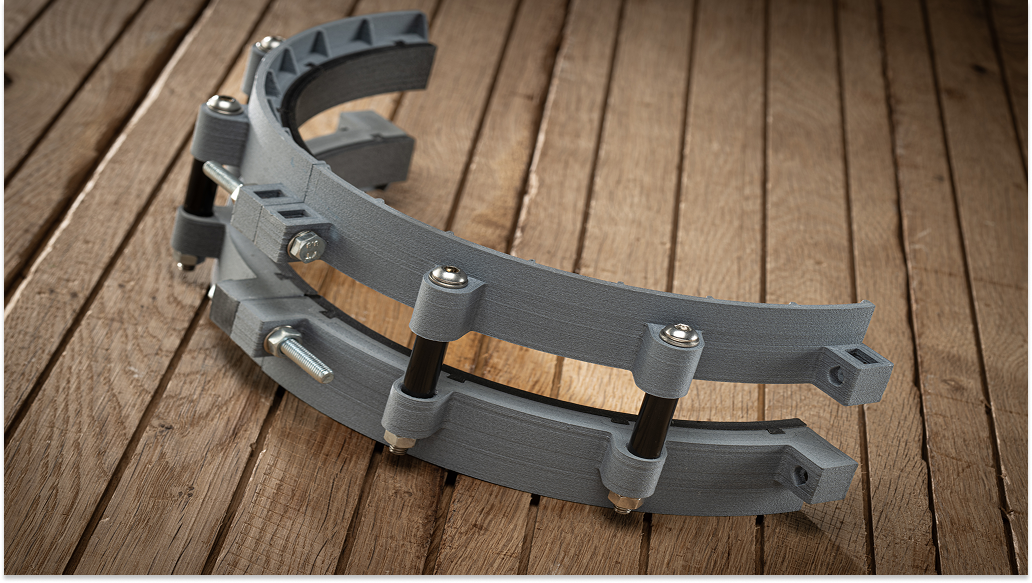
- Best fit for: functional prototypes, jigs, fixtures, tooling, manufacturing aids
- Core strength: stiffness and dimensional stability (especially in the fiber-oriented plane)
- Big benefit: designed to be one of the easier, more reliable composites to print
UltiMaker positions PET CF as a go-to composite for industrial environments because it balances performance with reliability. That matters if you’re evaluating AM for real workflows, not just “cool demo parts.”
UltiMaker PET CF Filament vs PA CF
A common comparison is PET CF vs PA CF (nylon carbon fiber). Here’s the practical buyer-friendly version:
- PET CF is often easier to run: lower warpage and a great surface finish make it more predictable in day-to-day printing.
- Moisture behavior matters: PET CF has relatively low moisture uptake compared to many composites, which helps with “out of the box” usability and dimensional stability after printing.
- Stiffness is a highlight: mechanically and thermally it can be similar to PA CF, with even higher stiffness in some cases.
- Tradeoffs: PET CF generally has lower impact resistance and lower Z strength (layer-to-layer strength) than you might want for parts that take repeated shock loads.
The takeaway: if your priority is stiffness, clean print quality, and consistency, PET CF is often the smoother path. If your priority is toughness and impact resistance, you may consider other engineering materials depending on the application.
What “High Stiffness” Actually Means for Real Applications
“Stiffness” can sound abstract until you connect it to use cases. Stiffer materials resist bending. That’s valuable when parts need to hold shape under load, maintain alignment, or act like a stable tool.
- Bracketry and mounting aids that can’t flex
- Assembly fixtures that need repeatable positioning
- Jigs for drilling, trimming, or inspection setups
- Functional prototypes where geometry matters more than toughness
UltiMaker notes PET CF reaches very high stiffness in the plane where fibers are oriented, which is exactly why it shines in fixtures and tooling-style prints.
Annealing UltiMaker PET CF Filament
Annealing is the “level up” option with PET CF. It’s a controlled heat treatment after printing that can significantly improve performance, especially temperature resistance.
- Why anneal: increased stiffness and strength, and a big jump in heat resistance
- Heat resistance: UltiMaker guidance indicates PET CF temperature resistance can increase dramatically after annealing (often referenced from ~80 °C up to ~180 °C depending on workflow and setup).
- Reality check: annealing can cause slight shrinkage, so parts should be designed and sliced with that in mind.
UltiMaker provides annealing intent profiles in Cura to help compensate for typical shrinkage and keep parts dimensionally accurate. If your use case includes heat exposure, annealing can be a big reason PET CF ends up on the short list.
Official annealing instructions:
UltiMaker PET CF annealing instructions
Printer Compatibility: What You Need to Run PET CF Successfully
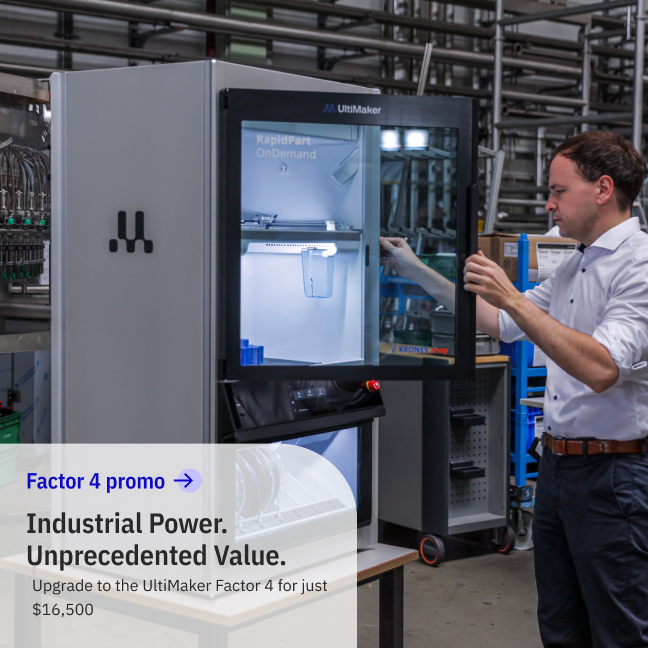
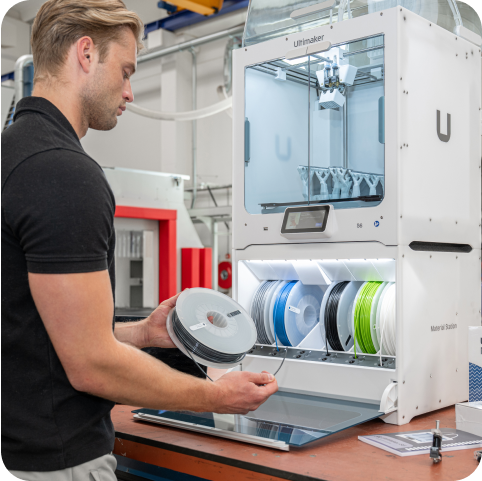
PET CF is an abrasive composite, so it needs a printer platform built for that. UltiMaker notes PET CF is intended for Factor 4 and S Series printers that are prepared for abrasive materials, using abrasion-resistant print cores (such as CC, CC+, or HT options depending on the system).
- Factor 4: compatible with abrasion-resistant cores such as CC 0.4, CC 0.6, and HT 0.6
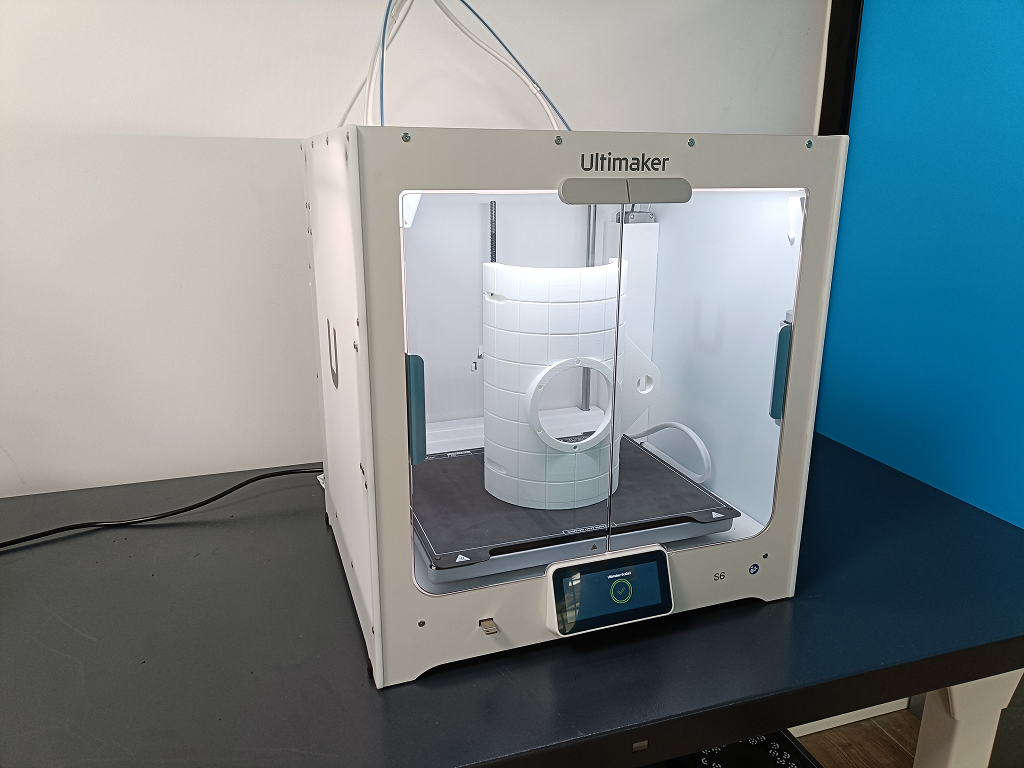
- S Series: compatible with CC family print cores depending on model and Cura profile support
- Tip: if you want a smoother experience, pairing PET CF with the right print core and up-to-date Cura profiles matters a lot.
Official “how to print” guidance:
How to print with UltiMaker PET CF
Practical Print Tips That Make PET CF Feel “Easy”
Here are the tips that tend to move PET CF from “we tried it once” to “we rely on it weekly.”
- Use the intended Cura profiles: PET CF profiles are designed to match the correct core, temps, and adhesion setup.
- Plan for adhesion: composites often prefer a brim and proper adhesive strategy for the build plate type.
- Keep the environment stable: for enclosed systems, keep doors closed to reduce drafts and variability.
- Dry when needed: if you hear popping or see stringing/oozing, moisture is a usual suspect. Drying can restore consistency.
- Maintenance is normal: composites can require more frequent nozzle/core cleaning than standard materials.
The point is not perfection. The point is repeatability. That’s what makes AM valuable for prototyping and production aids.
When UltiMaker PET CF Filament Is a Great Fit
- You want high stiffness and stable geometry for functional parts
- You need a composite that prints reliably with strong surface finish
- You want the option to anneal for much higher heat resistance
- Your team is focused on tooling, fixtures, and manufacturing aids
When You Might Choose Something Else
PET CF is excellent, but it’s not the answer to every application. Consider alternatives when:
- Impact resistance is the priority: if parts get dropped, struck, or repeatedly shocked, you may want a tougher material option.
- Layer-to-layer strength is mission critical: PET CF can have lower Z strength than some other choices, so orientation and design strategy matter.
- Your printer is not composite-ready: abrasive materials can wear components quickly on systems not built for them.
That doesn’t mean “don’t use PET CF.” It means: match the material to the job, and you’ll win.
How Paragon Can Help
If you’re evaluating AM for prototyping or functional parts, we can help you narrow down the right printer and material combo based on what you’re actually making. No pressure, no jargon overload, just practical guidance.
- Material recommendation: PET CF vs PA CF vs other engineering options
- Printer fit: UltiMaker S Series vs Factor 4 based on part size and workflow
- Setup best practices: print cores, Cura profiles, adhesion, and annealing
Product page:
UltiMaker PET CF filament
Browse:
3D printers and supplies
Conclusion
UltiMaker PET CF filament is a strong option for teams who want carbon fiber stiffness with a reliable printing experience. It’s especially compelling for functional prototypes, fixtures, and manufacturing aids where dimensional stability matters. And if your application involves heat exposure, annealing can unlock a major jump in temperature resistance.
If you tell us what you’re making and what environment it will live in, we’ll help you decide whether PET CF is the right fit and which UltiMaker platform makes the most sense for your workflow.